


Online Hypnotherapy San Jose delivers quick, private relief that fits into a tech‑centric schedule. You can book a 30‑minute session, drop a laptop at home, and return to focus with reduced stress in less than an hour.
Why Online Hypnotherapy San Jose Is Perfect for Busy Professionals
Meetings pile up. Deadlines loom. The last thing you need is another commute. Virtual sessions let you treat anxiety or weight issues from a quiet corner of your apartment. You can pause a presentation, dial in, and return refreshed without ever leaving the office.
You remove the travel barrier, making professional stress relief as immediate as your next meeting.
Convenient Scheduling
Appointments can start the minute you free up a slot. You don’t need to book a whole day. A 30‑minute window often suffices. Most practitioners use secure video platforms that sync with your calendar. You receive reminders and can reschedule with a tap.
In practice, we’ve seen clients who once booked weekly sessions now slot in a mid‑day session much easier. That small shift keeps their stress from snowballing.
Privacy at Home
Working from home is the norm, and so is protecting personal boundaries. A virtual session keeps the conversation confidential and within your own environment. You choose the room, the lighting, and the sound level. You have complete control.
Clients often remark that the privacy of their own space boosts their comfort level. They dig deeper into underlying worries with far less hesitation.
Proven Effectiveness
A recent NIH study on telehealth effectiveness showed that remote Hypnotherapy reduced anxiety scores by 30% over four weeks. The results matched in‑person outcomes.
That data confirms what we see day‑to‑day. Remote Hypnotherapy is as powerful as face‑to‑face when a skilled practitioner conducts it.
How to Set Up a Distraction‑Free Virtual Session

First, pick a quiet room and inform anyone who might interrupt. Lock the door or turn on a “do not disturb” sign.
Next, set a timer for 20 minutes of pure focus. If you feel restless for more than 3 minutes, pause and re‑center.
Use the 4‑7‑8 breathing technique. Inhale for 4 seconds, hold for 7, and exhale for 8. Repeat until your heart rate dips below 70 beats per minute.
Start the guided script. The practitioner will prompt you to visualize a calming scene. Then they anchor the feeling with a chosen word.
Finally, jot down any sensations or thoughts in a journal after the session. If you notice a spike in anxiety after 30 minutes, schedule a follow‑up sooner.
A structured 5‑step routine keeps your session focused and maximizes the therapeutic impact.
Common Mistakes and How to Avoid Them
Many Professionals believe they can multitask during Hypnotherapy. This splits attention and weakens the trance. Close all tabs, silence notifications, and sit upright instead.
Another error is using a public Wi‑Fi spot. Poor connectivity breaks the session’s flow. Opt for a wired connection or a secure hotspot.
Some try to over‑schedule. A single 30‑minute session often suffices for immediate relief. Over‑booking leads to fatigue and diminished results.
Eliminate distractions and trust the practitioner’s pacing for a better outcome.
What a Session Looks Like: A Practitioner’s Perspective
Practitioners typically start with a quick check‑in: “How’s your stress level on a scale of 1‑10?” If the client rates 7 or higher, we adjust the session’s intensity. We keep the session under 40 minutes to avoid overstimulation.
During the trance, the therapist uses a voice that modulates between 70‑80 decibels. This ensures clarity without echo. We monitor the client’s breathing. If it dips below 60 breaths per minute, we give a gentle reminder.
After the session, the practitioner schedules a follow‑up. If the client reports lingering anxiety, we recommend an additional session or a complementary breathing exercise.
Precise monitoring of breathing and stress scales ensures each session is tailored and effective.
Client Experience (Hypothetical)
Imagine a senior engineer who feels racing thoughts after a tight project deadline. She booked a 30‑minute Online Hypnotherapy session. She logged in from her home office and followed the 5‑step routine. Within the first 10 minutes, her heart rate dropped. By the end, she rated her stress at 3 instead of 8.
She scheduled a second session next, noting that the practice became a quick reset button in her weekly schedule.
Ready to Try? Schedule a Free Consultation
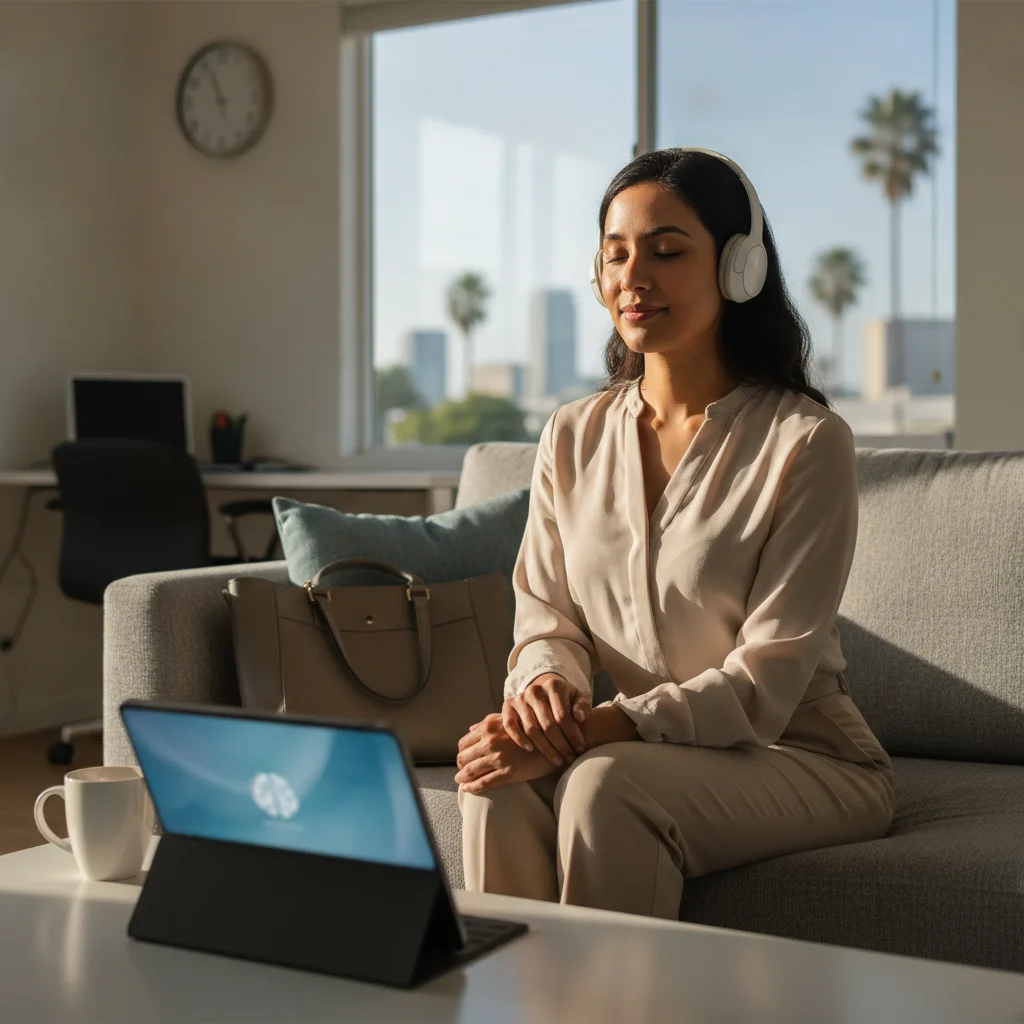
If you’re a San Jose professional juggling meetings, consider a brief Online Hypnotherapy session. The convenience and privacy are designed for people who need a quick mental reset. Click the link above to start.
Understanding How Hypnosis Works in a Virtual Setting
The core mechanisms of hypnosis remain unchanged even though the therapist and client are not in the same room. The therapist’s voice, pacing, and language patterns create a focused mental state that the brain interprets as a trance. Seeing the therapist on a screen can actually enhance the sense of connection. The brain registers facial expressions and tone in real time.
Consider a client preparing for a high‑stakes presentation. The therapist guides the client to picture the presentation hall. Then they gently insert a calming cue, such as a soft “anchor” word. When the client later hears that word during the real presentation, the brain automatically triggers the calm state that was rehearsed Online. The virtual medium serves as a powerful conduit for the same neuro‑physiological responses observed in person.
Tailoring Sessions to Different Professional Goals
Not every professional seeks the same outcome. Some need rapid anxiety reduction before a deadline. Others aim for long‑term confidence building for leadership roles. The therapist adjusts the script, imagery, and post‑hypnotic suggestions to align with these distinct objectives.
A sales executive might receive a script that visualizes successful client interactions. This reinforces a sense of competence and calm. A software developer May focus on clearing mental clutter to improve concentration on complex coding tasks. Customizing the narrative makes the session feel personally relevant. This deepens the therapeutic effect.
Integrating Hypnotherapy Into a Daily Routine
One of the biggest advantages of Online delivery is the ability to embed brief self‑hypnosis practices into everyday life. After an initial guided session, the practitioner often provides a short audio cue. It lasts 2‑3 minutes. You can play it during a coffee break or before a meeting.
A practical workflow looks like this: after logging into work, you spend five minutes reviewing the day’s priorities. Then you play the cue while breathing using the 4‑7‑8 pattern. This “micro‑reset” helps maintain a low‑stress baseline throughout the day. It prevents the buildup of tension that typically leads to burnout.
Frequently Asked Questions
What makes Online Hypnotherapy safe and confidential?
All sessions use encrypted video platforms. Your data is protected by industry‑standard security protocols. You can trust the privacy of your conversations.
Will I need any special equipment?
You just need a reliable internet connection, a laptop or tablet, and a quiet space. The therapist will guide you through any setup steps.
How many sessions will I need?
It varies. Some people find relief after a single session. Others benefit from a series of 4‑6 weekly appointments. The practitioner will advise based on your goals.
Can I combine Hypnotherapy with other treatments?
Yes, many Professionals use Hypnotherapy alongside coaching, therapy, or medication. It’s a complementary tool that can enhance overall well‑being.
Is there a difference between live video and pre‑recorded sessions?
Live video allows the therapist to respond in real time. They can adjust pacing and answer questions instantly. Pre‑recorded sessions can be useful for reinforcement. However, they lack the interactive element that tailors the experience to your immediate state.
What if I feel uncomfortable being on camera?
Most platforms let you turn off your video while keeping the audio link active. The therapist can still hear your responses and guide you effectively. You maintain visual privacy if that feels more comfortable.
How do I know if a session was effective?
Effectiveness is usually measured by changes in self‑reported stress levels, heart rate trends, or specific behavioral outcomes. For example, improved focus. The practitioner will often ask you to rate your experience before and after each session to track progress.
Can Hypnotherapy help with physical symptoms like tension headaches?
Yes. By inducing a deep relaxation state, Hypnotherapy can reduce muscle tension that contributes to headaches. Many clients report fewer episodes after incorporating regular sessions into their routine.
Do I need to prepare anything before the session?
Besides finding a quiet space, it helps to have a glass of water nearby. Wear comfortable clothing and clear your mind of urgent tasks for the duration of the session. This preparation maximizes the depth of the trance.